MeetWith
An open-source scheduling platform I built to replace Calendly for my own use. It connects to Google Calendar, merges availability across multiple calendars, and lets people book meetings through a clean public link. Includes AI features for generating event descriptions and follow-up drafts.
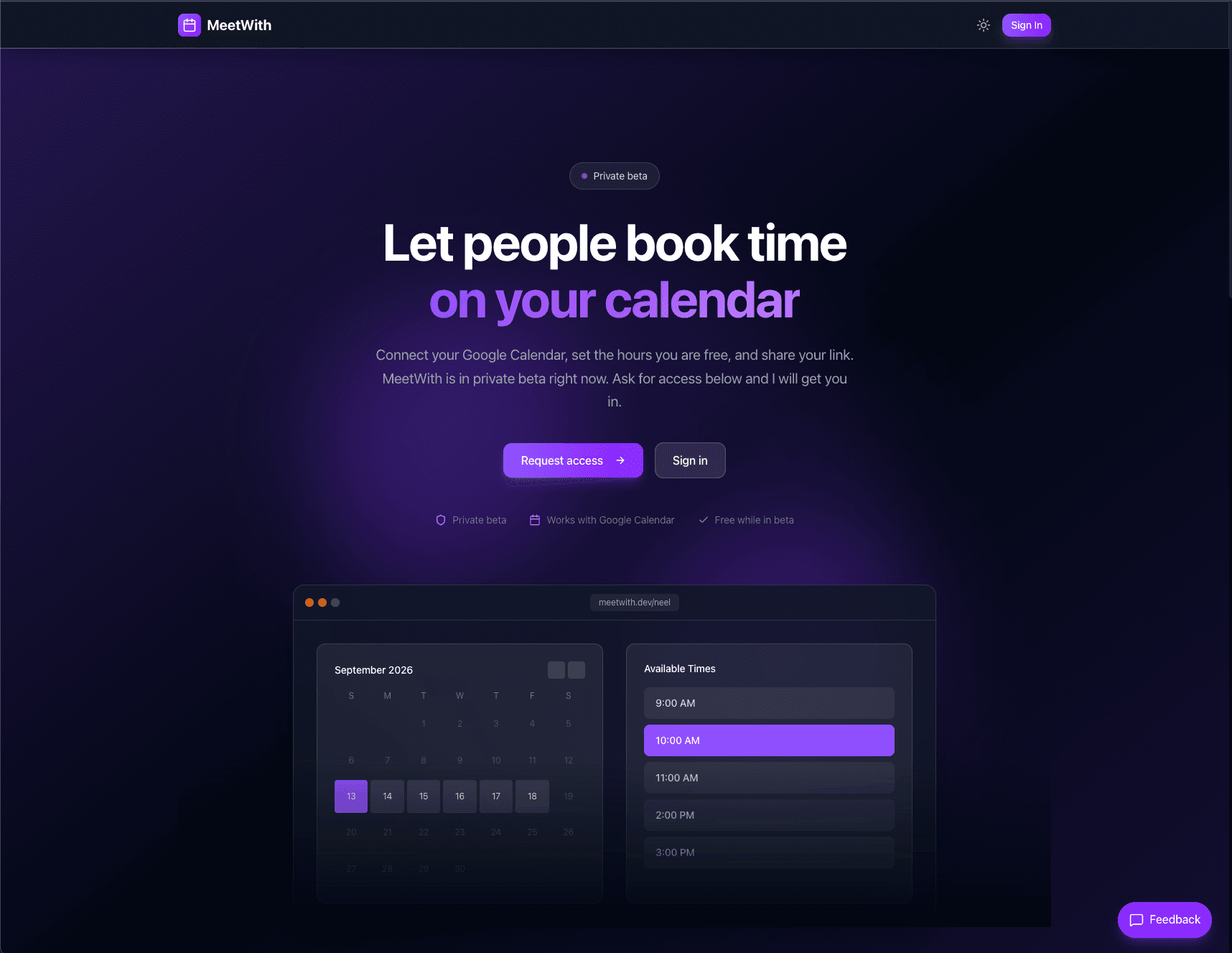
Overview
MeetWith started because I got tired of paying for Calendly and wanted something that did exactly what I needed. I built it as a personal scheduling tool, then open-sourced it on GitHub.
The core idea is simple: connect your Google Calendar, define your available hours and event types, share your booking link, and let people schedule time with you. But the implementation has depth. Timezone handling, multi-calendar merging, buffer times, booking limits, email confirmations, and AI-assisted content generation all had to work correctly.
Core Features
Calendar Integration
MeetWith connects to Google Calendar using OAuth. It reads your existing events to calculate real availability, writes new bookings directly to your calendar, and respects all-day events and busy blocks. You can connect multiple calendars and the system merges them intelligently.
Availability Engine
The availability calculation is the heart of the product. It takes your configured hours, subtracts existing calendar events, applies buffer times between meetings, respects minimum booking notice, and handles timezone conversions throughout. I spent a lot of time getting edge cases right: daylight saving transitions, midnight crossings, partial-day availability.
Event Types
You can create multiple event types with different durations, descriptions, and availability windows. Each event type gets its own booking link.
Booking Flow
The public booking page shows available slots for the selected event type. Visitors pick a time, enter their info, and confirm. MeetWith creates the calendar event, sends confirmation emails to both parties, and generates calendar invites with video call links if configured.
AI Features
I added OpenAI integration for two features: generating event descriptions from a short prompt, and drafting follow-up emails after meetings. Both are optional and designed to save time on repetitive writing tasks.
Technical Details
Tech Stack
Interested in working together? I'm always open to discussing new projects and opportunities.