Voice Assistant with Tools
A conversational AI agent that responds to natural voice commands through browser-based speech recognition. It can search the web, check weather, perform calculations, tell time across timezones, and remember notes. Responses stream back as text and can be read aloud using OpenAI text-to-speech voices.
Overview
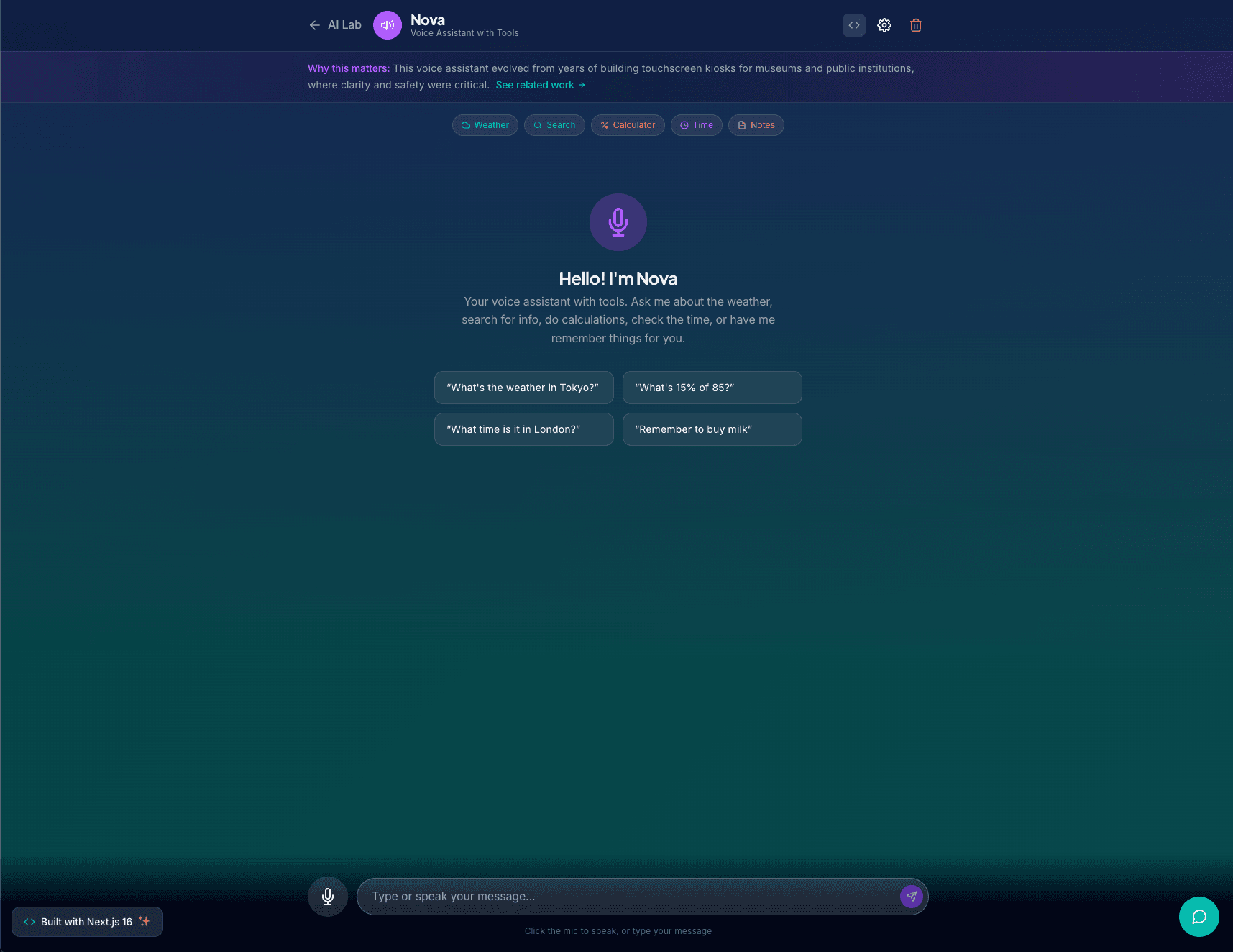
Nova is a voice assistant that runs entirely in the browser. You talk to it, it listens via the Web Speech API, processes your request through GPT-4o-mini with tool calling, and speaks back using OpenAI's text-to-speech API.
Tools
Nova has five tools it can call based on your request:
- Weather: fetches current conditions for any location
- Web search: queries the web and summarizes results
- Calculate: evaluates math expressions
- Timezone time: gets the current time in any timezone
- Notes: remembers things you tell it across the conversation
How It Works
Speech-to-text uses the browser's native Web Speech API. The transcript goes to GPT-4o-mini with the tools defined as OpenAI function calls. If the model decides to call a tool, the result gets fed back into the conversation. The final response streams to the UI and is spoken aloud via OpenAI TTS with your choice of six voices.
Developer Mode
A dev mode panel shows the raw API calls, tool invocations, and response timing for each interaction. Useful for understanding how the tool-calling loop works.
This project lives at /ai/voice on this site.
Tech Stack
Interested in working together? I'm always open to discussing new projects and opportunities.